Timer
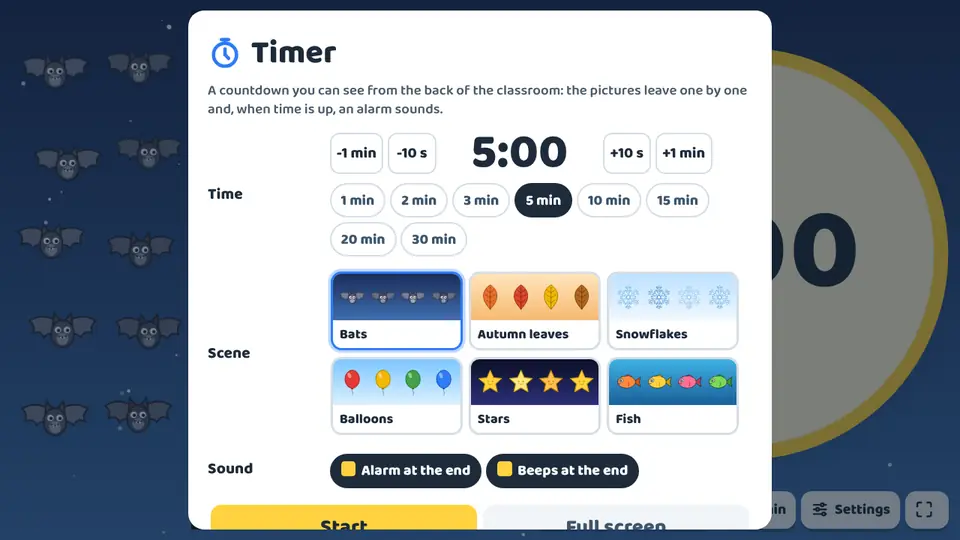
The timer is a free classroom tool, not one of the games, and it does not use up any free games. It is a countdown you can see from the back of the room on the interactive whiteboard or panel. On one side there is a huge clock with a ring that empties; on the other, 30 pictures that leave one by one. The last one goes exactly at zero.
What children practise
- Sense time passing without reading a clock, through the ring and the pictures.
- First steps in reading digital time: minutes and seconds.
- Estimate how much time is left from the pictures still on screen.
- Independence in routines: tidying up, quiet work or moving between activities on time.
- Plan the stages of a group task against the clock.
Levels and settings
Quick times
1, 2, 3, 5, 10, 15, 20 or 30 minutes with one tap.
Fine tuning
-1 min, -10 s, +10 s and +1 min buttons, from 10 seconds to 99 minutes.
Six scenes
Bats that fly away, autumn leaves that spin down, snowflakes that melt, balloons that pop, stars that go out and fish that swim away.
How to use it in class
- Open the timer from the home page or from the menu inside any game.
- Choose the time and the scene, and decide on the alarm at the end and the beeps in the last 5 seconds. It remembers your last choice.
- Press Start and go full screen. To pause, tap the clock or press the space bar.
- In the last 10 seconds the numbers turn red and pulse. At zero, Time’s up! fills the screen and a bell rings.
Frequently asked questions
Does it work for children who cannot tell the time yet?
Yes. The emptying ring and the disappearing pictures show how much is left without reading any numbers.
Can I add time without starting again?
Yes. The +1 min button adds a minute and the remaining pictures share out the new time.
Does the screen switch off while it runs?
No: while it runs, the screen stays on in browsers that allow it.
Is it free?
Yes. It is free, it does not use up any games and there is no sign-up.
Do I need to install anything?
No. It opens in the browser of the interactive whiteboard, panel, computer, tablet or iPad. Once loaded, it also works offline.
More for the classroom
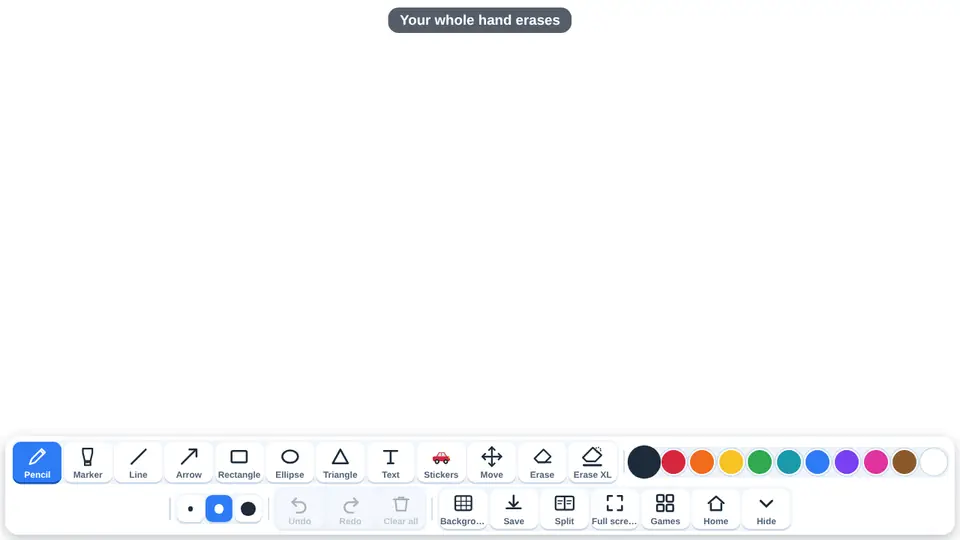 Blank whiteboardThe blank whiteboard is a free classroom tool, not one of the games: a canvas for writing and drawing on the interactive whiteboard, an interactive panel or a tablet.
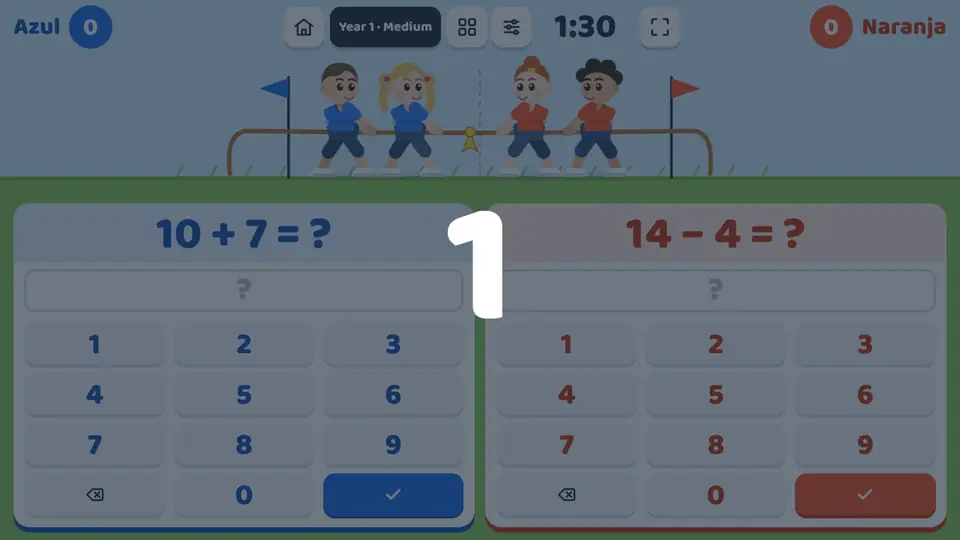 Tug of warA mental maths game for the interactive whiteboard with the screen split in two: each team gets its own number pad and its own calculation.
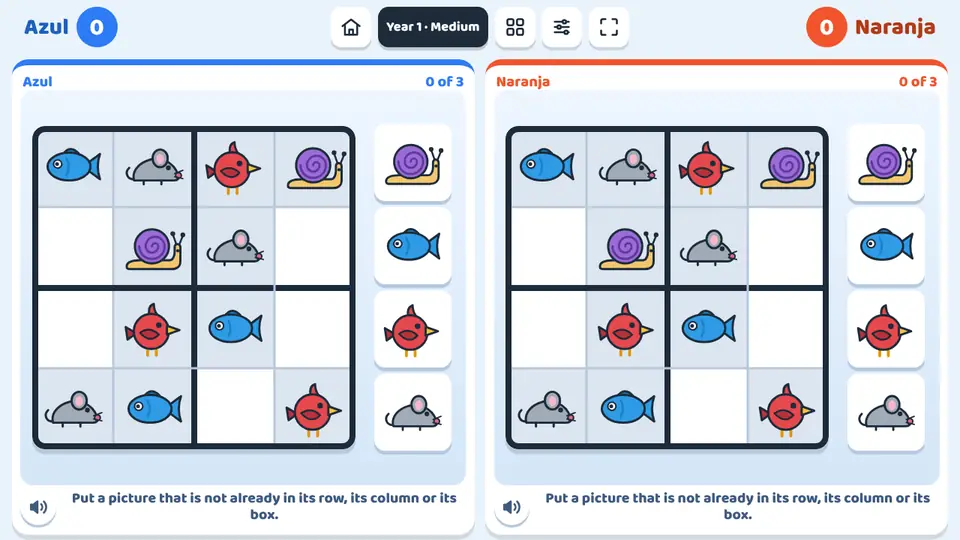 Picture sudokuPicture sudoku is a sudoku made for children: the grid is filled with animals, fruit or colours, as well as numbers.
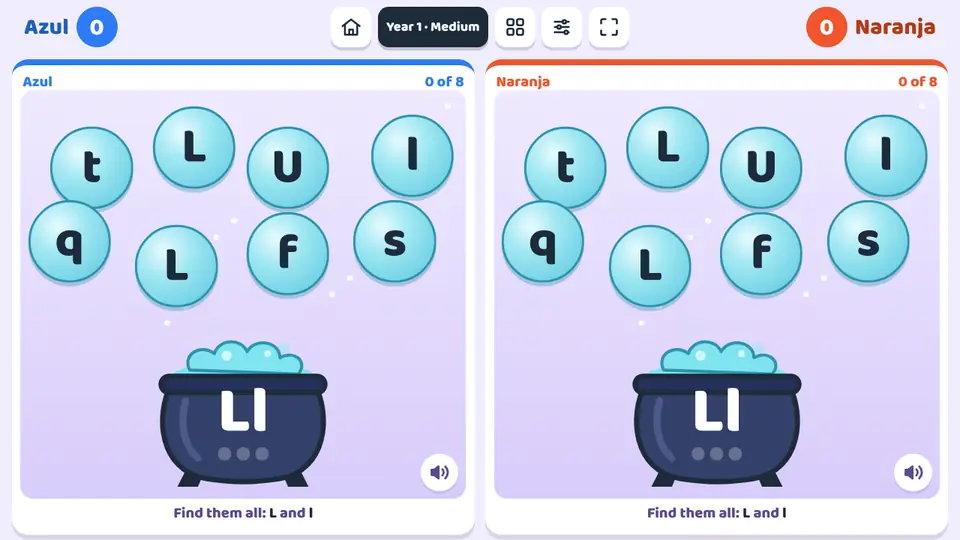 The letter cauldronA letter appears on the cauldron and bubbles with letters float around it.
Timer
Open the tool