What has changed?
What has changed? is a visual memory game for the interactive whiteboard or a tablet. A shelf full of objects appears with a time bar for looking closely. Then a curtain closes and, when it opens, something is different: children find what is missing, what is new, what has changed colour or which two objects have swapped places.
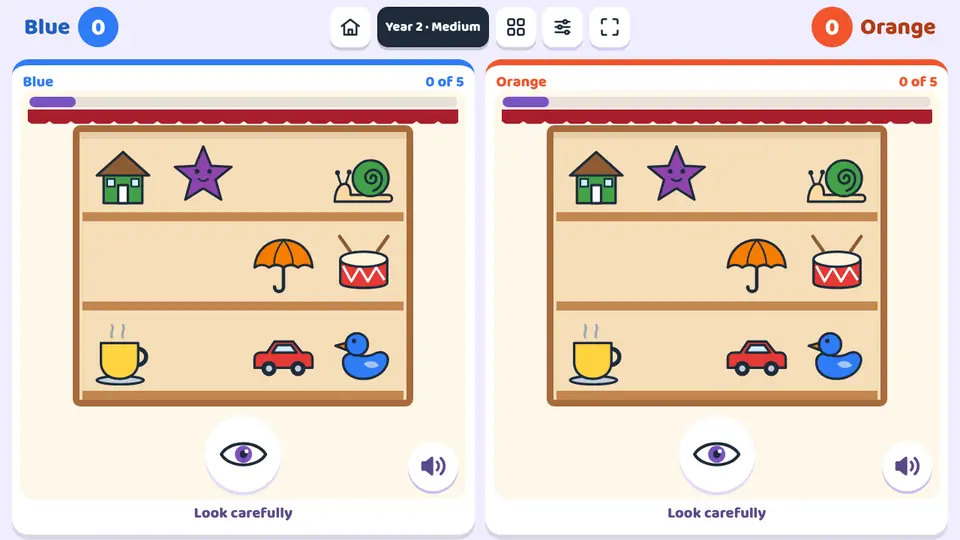
What children practise
- Short-term visual memory: hold 3 to 10 objects in mind.
- Sustained attention during a viewing time that drops from 7 to 3 seconds.
- Compare two scenes and spot the difference.
- Visual discrimination of colour, even between repeated objects.
- Remember where each object sits on the shelf.
- Vocabulary for everyday objects: ball, cup, umbrella, drum, bell...
Levels and settings
Level 1
3 objects and 7 seconds to look. One goes missing or a new one appears.
Level 2
4 objects and 6 seconds, with the same changes.
Level 3
6 objects and 5 seconds. Colours change too.
Level 4
8 objects and 4 seconds. Objects swap places too.
Level 5
9 or 10 objects, some repeated in another colour, and 3 seconds.
Auto
Goes up a level every two challenges.
How to play it in class
- Open the game and choose the year group and difficulty; if you prefer, fix the level by hand.
- In the settings, choose the type of change (all or just one), the voice and the points to win: 3, 5 or 8.
- In teams, each sees the same scenes on its own half and moves at its own pace; one child can also play solo.
- Look while the bar runs. When the curtain opens, tap what has changed; if something is missing, pick it from the pictures below.
- Each right answer scores a point and the first team to the target wins.
Ways to play
In teams, at the same time
The screen splits in two and each team plays on its own half at the same time.
For one player
One child plays on the whole screen at their own pace: on the whiteboard, a computer or a tablet.
Frequently asked questions
Can we practise just one type of change?
Yes. In the settings you choose all the changes or just one: what is missing, what is new, colour or place.
What happens after a mistake?
The game shows the before and after with the change highlighted, then moves on to the next challenge without a point.
Does it work for children who cannot read yet?
Yes. Every instruction has its own pictogram and the voice says it aloud.
Is it free?
You can play 5 free games without signing up. After that, a one-off payment of €9.99 unlocks all 78 games for ever, on all your devices. There is no subscription.
Do I need to install anything?
No. It opens in the browser of the interactive whiteboard, panel, computer, tablet or iPad. Once loaded, it also works offline.
More Logic and memory games
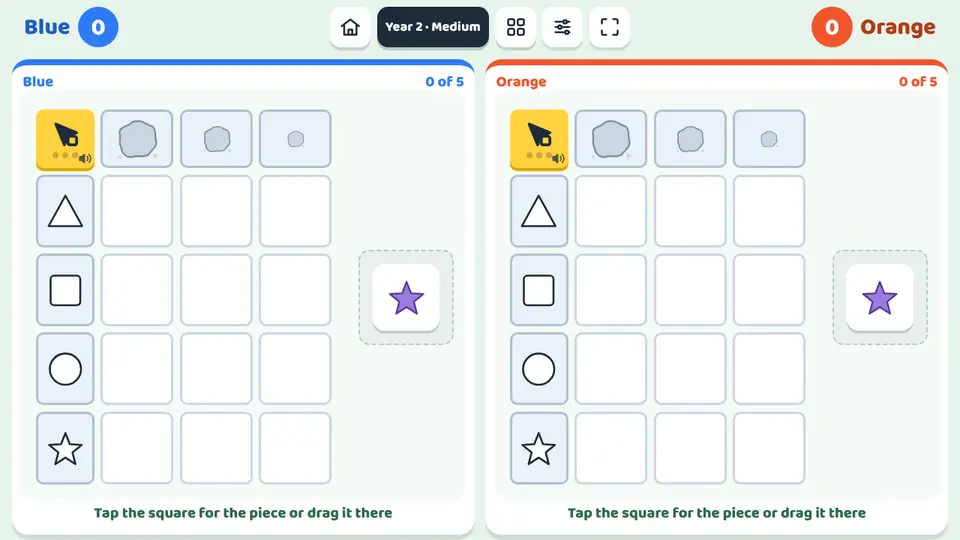 The double-entry tableThe double-entry table is a sorting game for the interactive whiteboard or a tablet.
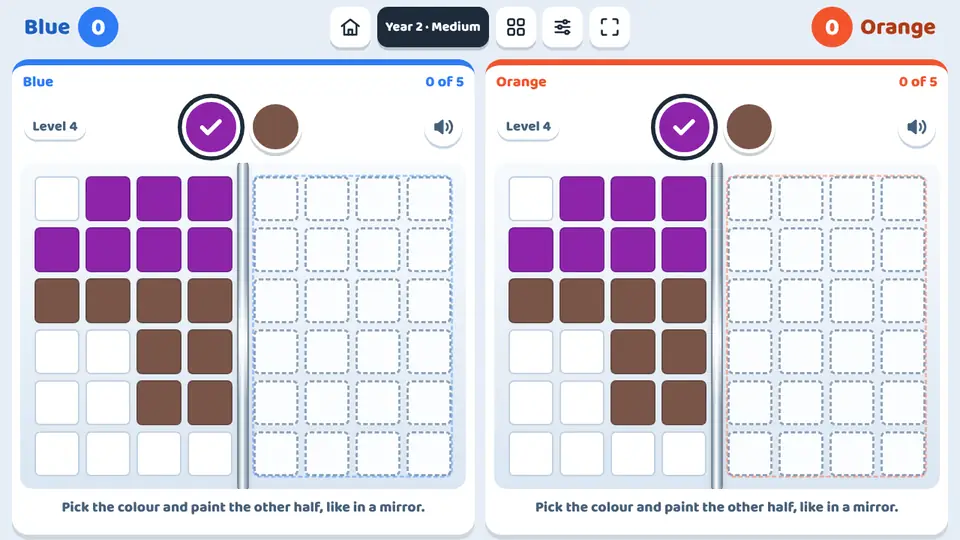 The mirrorThe mirror is a symmetry game for the interactive whiteboard or a tablet.
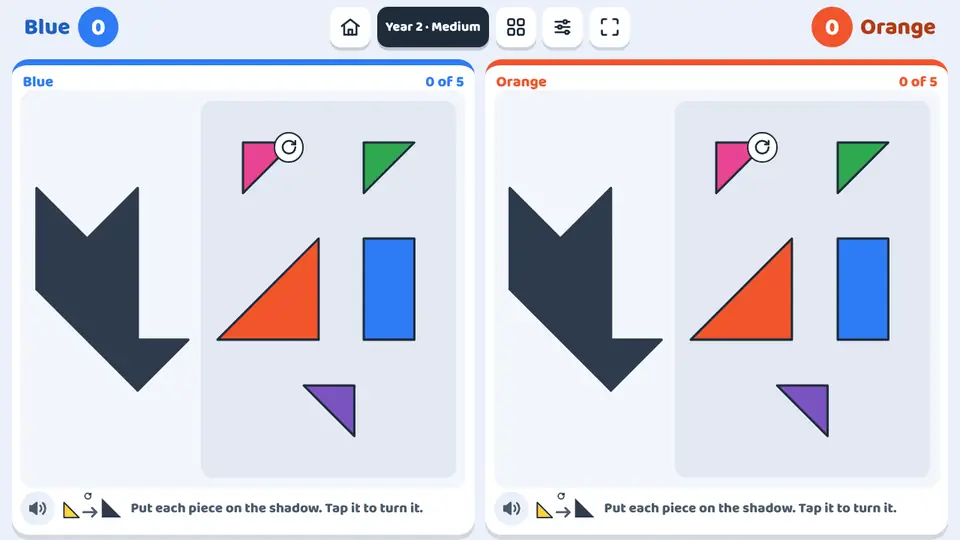 SilhouettesSilhouettes is a geometric shape puzzle, in the style of a tangram, for the interactive whiteboard or a tablet.
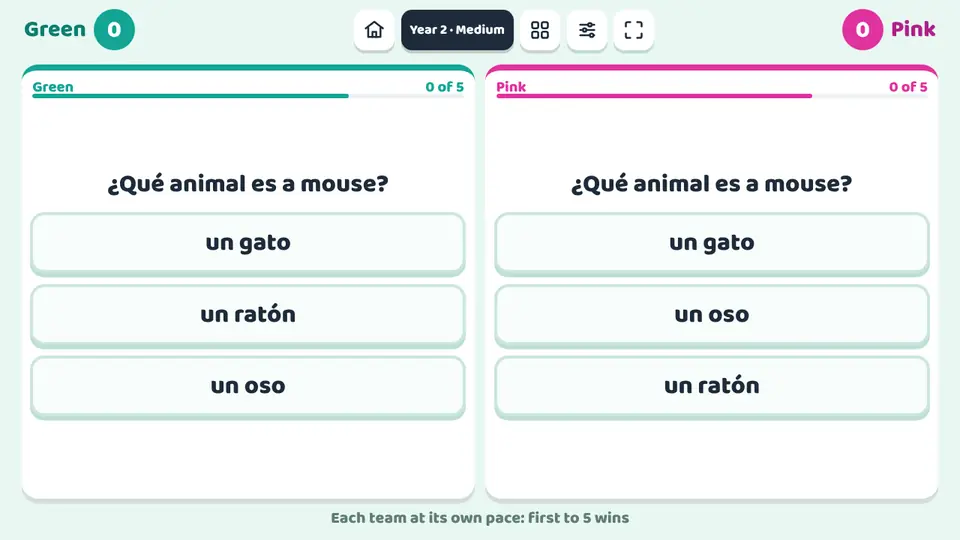 Duelo de preguntasDuelo de preguntas is a quiz for the interactive whiteboard.
What has changed?
Play now